Ethernet ASCII Protocol
You can use a Programmable Logic Controller (PLC) that supports the Ethernet ASCII protocol to operate a sensor and receive values and decisions (together called results).
Two modes are available: asynchronous and polling.
When the sensor is in asynchronous mode, results are sent automatically, as soon as they are available. Data is still available synchronously (that is polled) using the supported polling commands.
When the sensor is in polling mode (asynchronous mode is disabled), you must use commands on the PLC to operate the sensor and to retrieve results. Ethernet ASCII protocol in polling mode only supports a subset of the tasks that can be accomplished in the web interface, and only measurement results can be transmitted to the PLC (scan data is not sent).
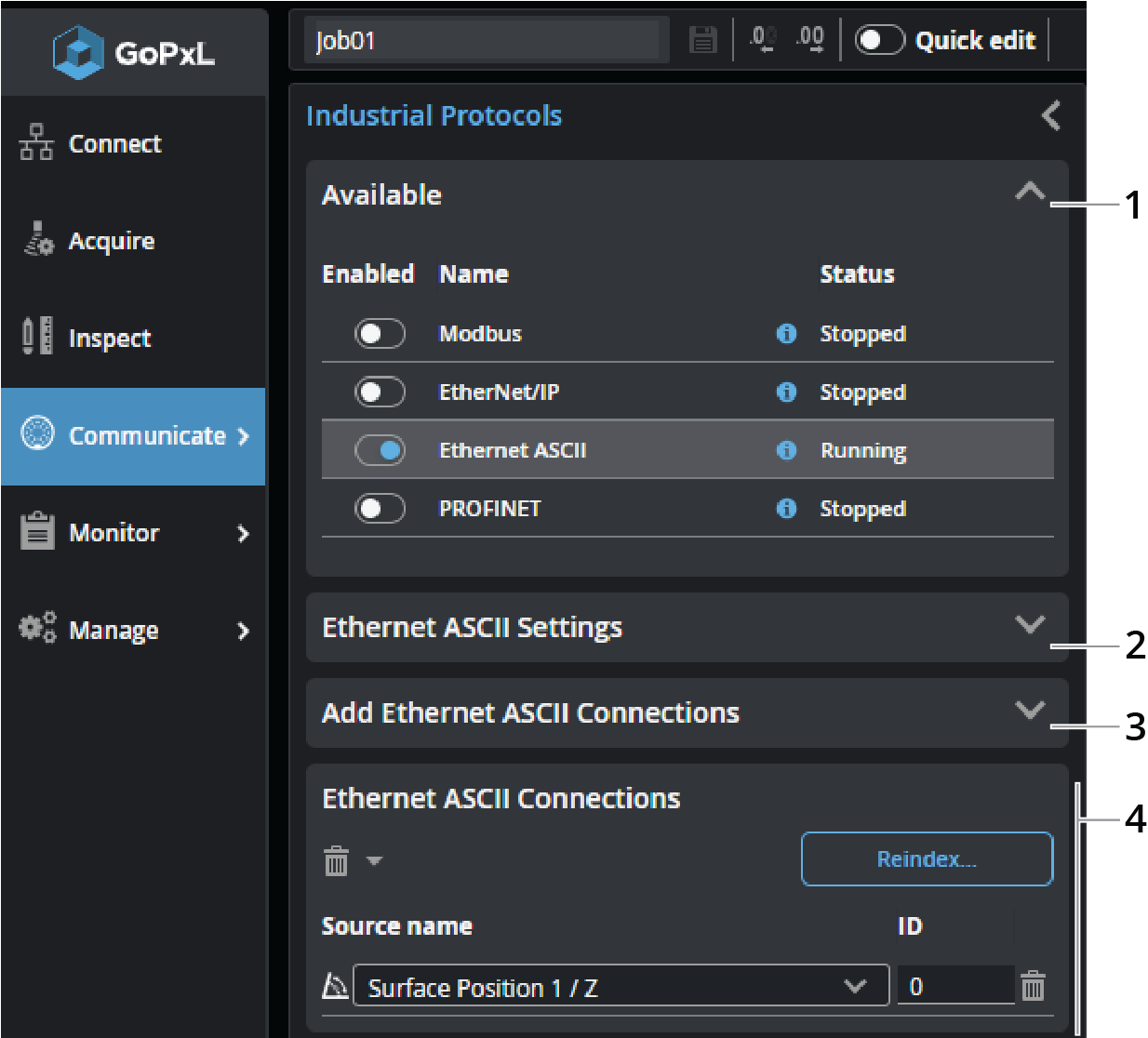
You configure the protocol on the Communicate > Industrial page. After configuring the ASCII protocol parameters in GoPxL (see below), see Ethernet ASCII Protocol Format - PLC Information for information on the available polling commands.
| Element | Description | |
|---|---|---|
|
1 |
Available protocols |
Click a row in the table to choose which protocol to configure. Enable a protocol by toggling the slider to the right. |
|
2 |
Ethernet ASCII Settings |
Lets you configure the Ethernet ASCII protocol. For descriptions of the settings, see Ethernet ASCII settings. |
| 3 | Add Ethernet ASCII Connections |
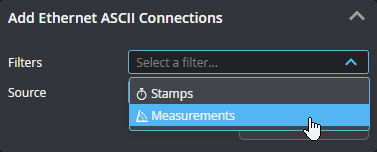
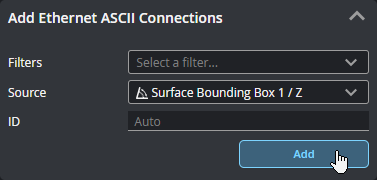
Lets you add sources (such as stamps or measurements) in the connection map. Added connections appear in the Ethernet ASCII Connections at the bottom of the panel. If you have many sources, you can filter them by type to make it easier to find the source you want in the Source drop-down. You can select more than one filter at once.
Choose the source in the Source drop-down. If you leave Address as "Auto", GoPxL automatically increments the value; otherwise, you can set it yourself. By default, connections are added directly after the last source in the connections map. You can optionally set the address at which a source is added using the Address parameter.
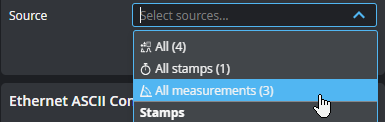
You can also add all sources, or all sources of a given type.
Click Add to add the source to the EtherNet/IP Connections table below. |
| 4 | Ethernet ASCII Connections |
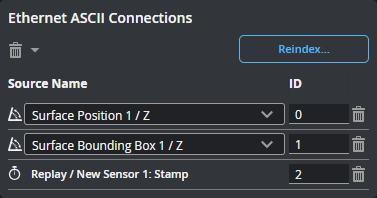
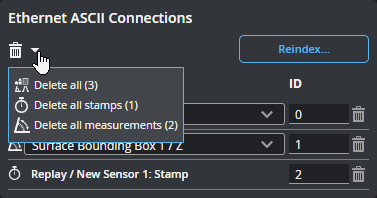
The connections listed here will be sent by the protocol to a compatible PLC. You can delete a connection using the trashcan icon in its row, or change its ID.
You can also use shortcut commands to delete all of the connections, or specific categories of connections.
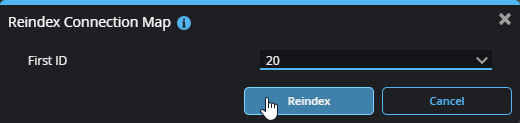
Use Reindex... to remove gaps of unused addresses between connections. You can also use Reindex... to set the value of the first index.
|
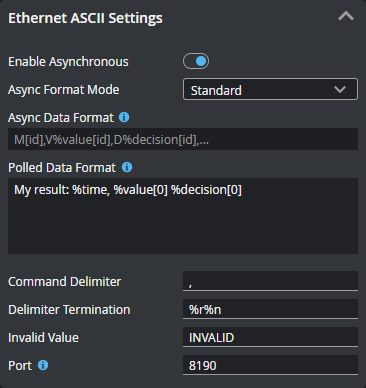
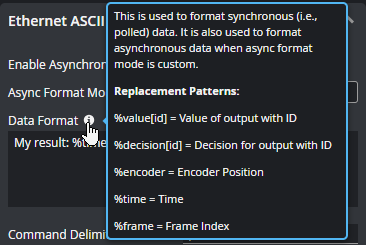
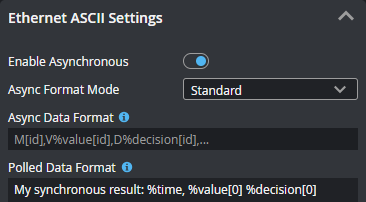
The Ethernet ASCII protocol provides several settings you must configure. The settings that are displayed change depending on the operation mode (polling vs. asynchronous) and the format mode.