GoPxL Data Protocol
The GoPxL Data Protocol sends TCP messages containing data and measurement results to client applications that use the GoPxL SDK. You can select which measurements and what type of scan data to send (range, profile, or surface depending on sensor model; image; or intensity). Note that GDP does not have to be enabled for the client application to read and write configurations, only to receive data and measurements.
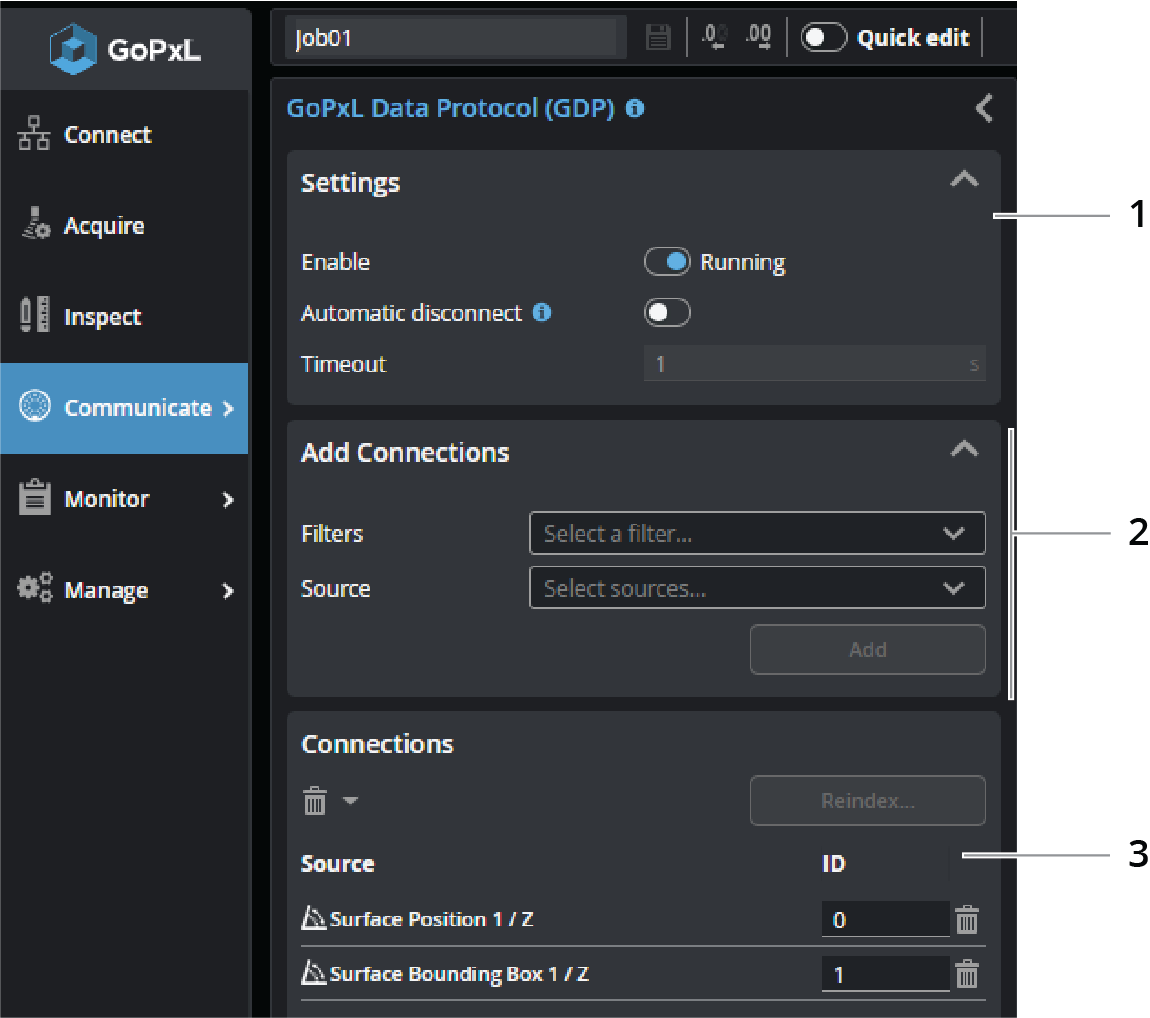
| Element | Description | |
|---|---|---|
|
1 |
Protocol settings |
Lets you disable or configure the protocol. For information on the settings available here, see Configuration area parameters. |
| 2 | Add Connections |
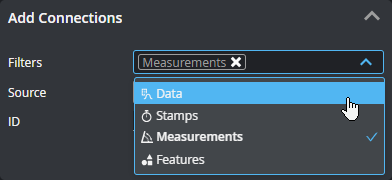
Lets you add sources (data, stamp, measurement, or geometric feature) to send over the protocol. Added connections appear in the Connections section at the bottom of the panel If you have many sources, you can filter them by type to make it easier to find the source you want in the Source drop-down. You can enable more than one filter.
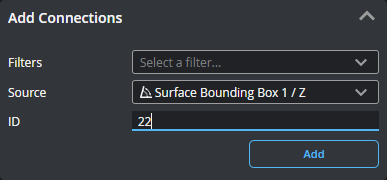
Choose a source in Source. If you leave ID as "Auto" GoPxL automatically increments the ID; otherwise, you can set it yourself. The field is hidden if more than one source is selected in Source.
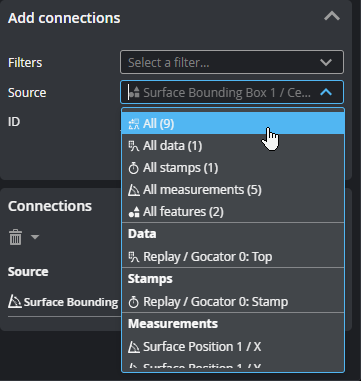
You can also add all sources, or all sources of a given type. Adding multiple sources automatically increments the ID
Click Add to add the source to the Connections table below. |
| 3 | Connections |
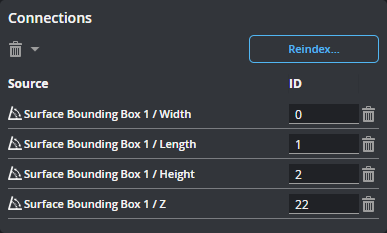
The connections listed here will be sent by the GoPxL Data Protocol to an application developed using the GoPxL SDK. You can delete a connection using the trashcan icon in its row or change its ID. If you set an ID to the ID of another source, all other source automatically shift up to make room for it.
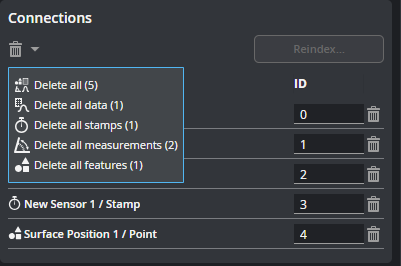
You can also use shortcut commands to delete all of the connections, or specific categories of connections.
If you set an ID to the index of another tool, all sources following the changed index are incremented. Click the Reindex button to reorder the connections and fill any gaps between index numbers. |