Acquire - Alignment and Acquisition
You configure acquisition and align sensors on the Acquire page.
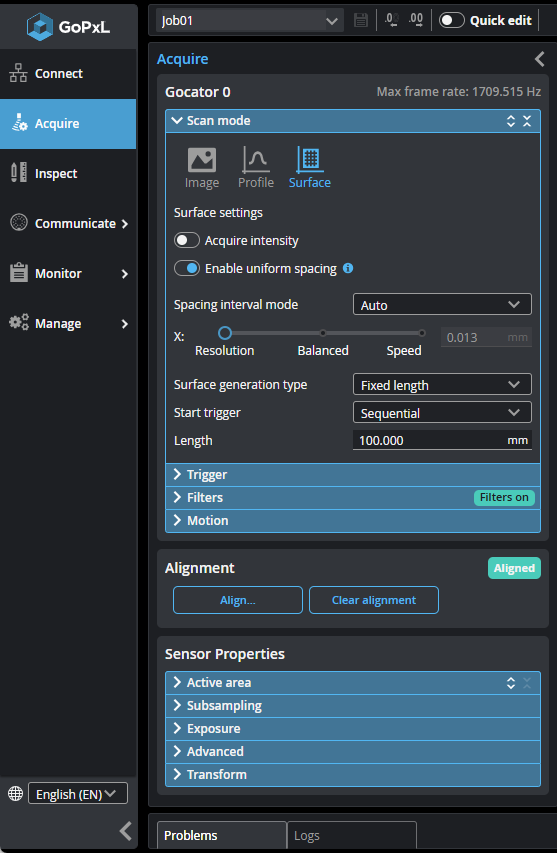
Scan settings are displayed in two sections: the top section, by default called Gocator 0, and the Sensor Properties section.
Settings such as the scan mode, X spacing intervals, and triggering, which must apply to all sensors in a multi-sensor system (that is, as a sensor group), are in the top section. For consistency, in single-sensor systems and with models such as Gocator 3x00 that don't support multi-sensor grouping, these settings are separated from the others in this section.
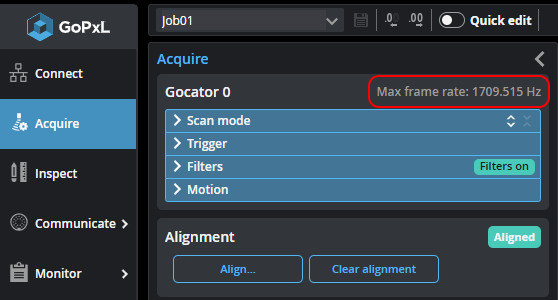
Note that the sensor system's maximum possible frame rate is displayed at the top of this section. This value changes depending on some of the settings in the Sensor Properties section (see below).
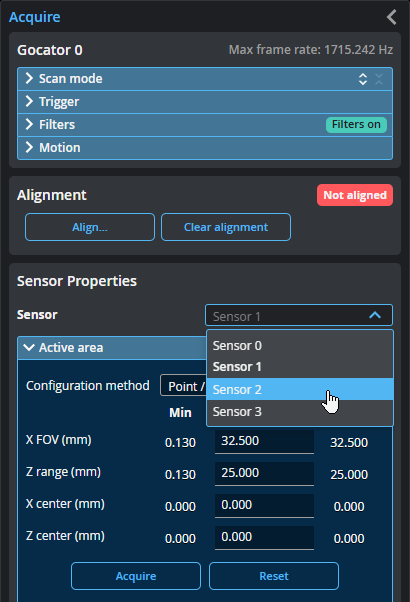
Other settings, such as active area, exposure, and sub-sampling, apply to individual sensors in a sensor group. These settings are in the Sensor Properties section.
To configure the per-sensor settings in a multi-sensor system, you select a sensor using the Sensor drop-down menu.
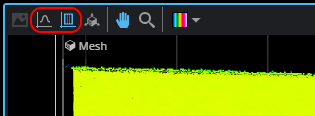
Note that with line profile sensors, the type of data displayed in the data viewer changes depending on which of these sections you interacted with last (to change a setting, and so on). With live scan data (what the sensor is actively scanning), interacting with the sensor settings results in Profile data being displayed. Interacting with the sensor group settings results in Surface data being displayed. If you are seeing profiles when you expect to see Surface data, click somewhere in the Sensor group properties section. With replay data, after clicking in the appropriate section, you may additionally need to change the display mode by clicking the Profile or Surface button above the data viewer.
The section you last interacted with is highlighted in blue.